See how to create and configure a monitoring policy in Veriato to control what activity is captured, how it is categorized, and which users are monitored.
In this product demo, explore how Veriato gives organizations flexible control over monitoring settings for different teams, departments, and use cases, from activity capture and screenshots to productivity classifications and work schedules.
PRODUCT DEMO • ⏱ 3 min
In This Demo
- AI-driven behavioral risk scoring powered by 130+ data points
- Create and customize monitoring policies for different teams and use cases
- Choose which user activities Veriato captures
- Configure website and application productivity classifications
- Customize screenshot capture settings
- Track login, active, and idle user status
- Set work schedules and productivity expectations
- Tailor monitoring controls to organizational and compliance requirements
Flexible Monitoring for Different Teams and Use Cases
Every organization has different visibility requirements. Veriato monitoring policies let administrators tailor what is captured and how activity is categorized based on the needs of specific teams, departments, or use cases.
Flexible controls for activity capture, screenshots, productivity classifications, and work schedules help organizations configure monitoring around their operational goals, policies, and compliance requirements.
Built For
- IT and system administrators
- Security and compliance teams
- HR and workforce operations teams
- Organizations with different monitoring requirements across teams or departments
Ready to See Veriato in Action?
See how Veriato can help your organization configure behavioral visibility around its specific workforce, security, and compliance requirements.
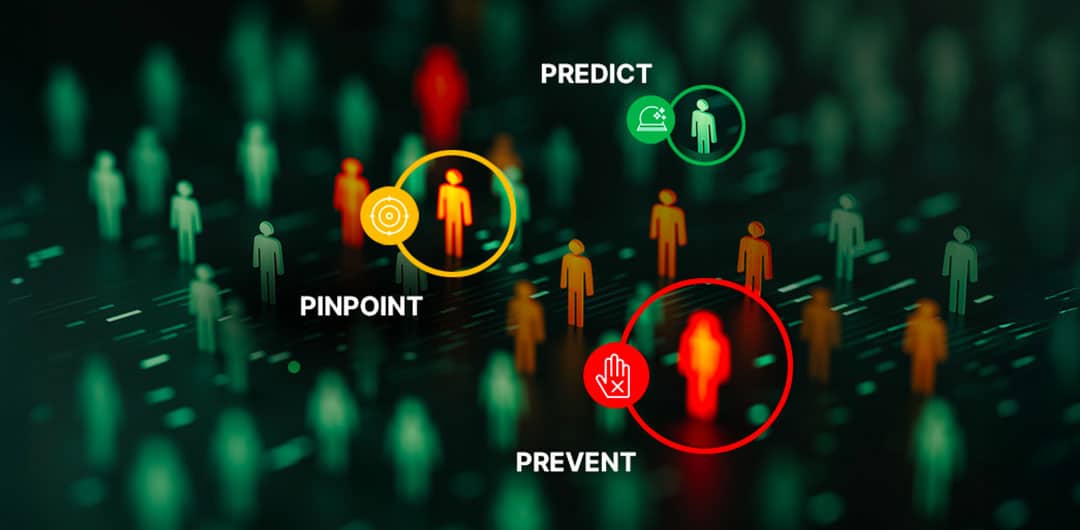
Insider Risk Management Guide to Behavioral Visibility
Discover how modern Insider Risk Management leverages behavioral visibility, sentiment analysis, and AI-driven risk scoring to strengthen security, compliance, and workforce resilience.